

Your first 30 days using AI for website and marketing work
Forget the 50-tool stack. Here's a realistic four-week plan of one to two hours a week, with something finished at the end of every week and a clear decision on day 30.
By The Dance teamPublished 5 min read
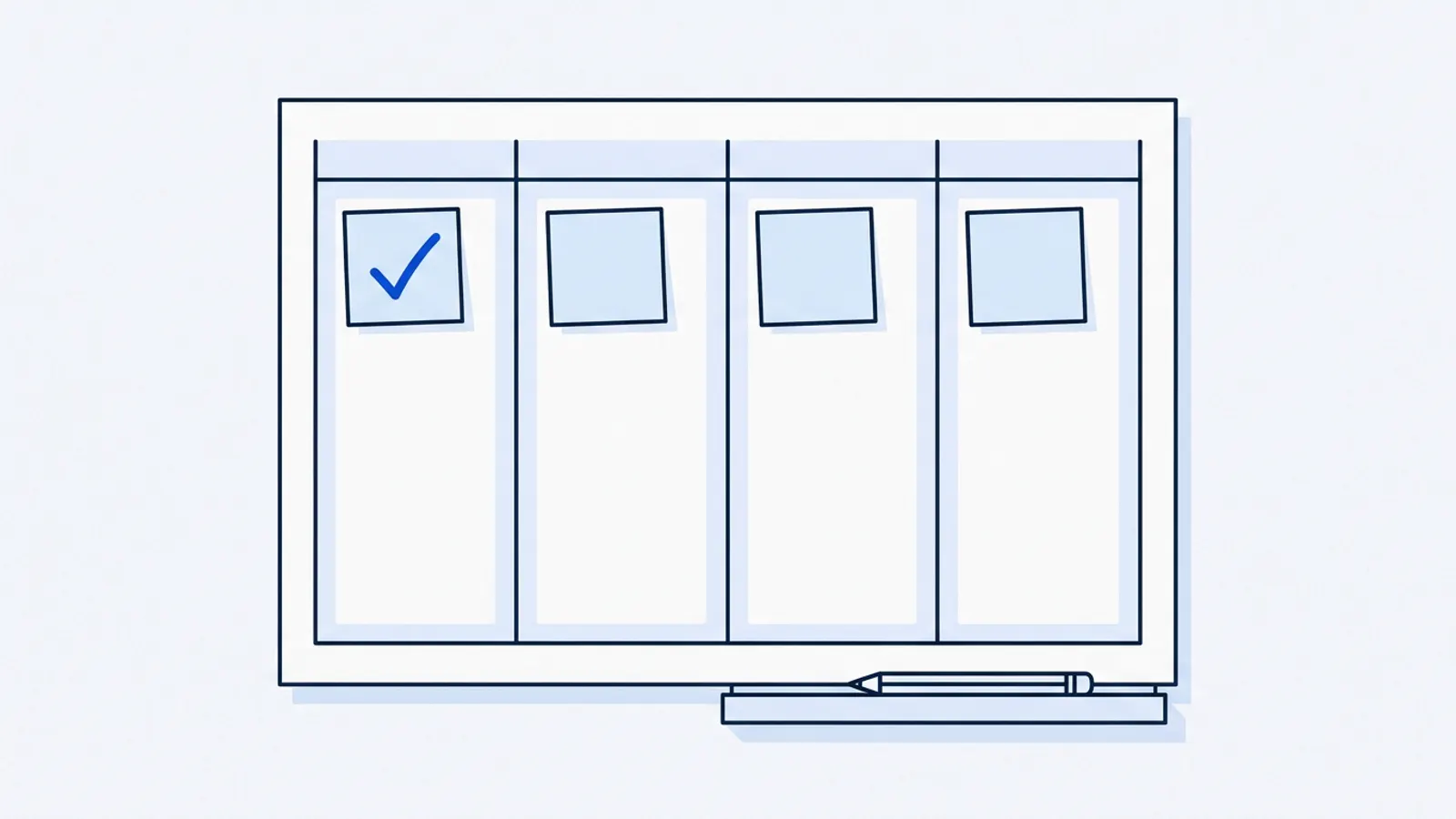
The short answer: spend the first month on four small, finished pieces of work, not a big plan. In week 1, write down where you stand and fix the facts on your website. In week 2, set up a routine for changes. In week 3, publish one page built from real customer demand. In week 4, measure, decide what's working, and choose month two. Budget one to two hours a week. Each week ends with something done.
Most advice about AI for small-business marketing is a list of tools. Tools aren't the hard part. Choosing the right first jobs, and finishing them, is. This plan is deliberately modest. A month of small, finished improvements teaches you more about what AI is good for than a month of experimenting with twenty apps.
Before you start
- You can log in to your website, or you know who can make changes and how to reach them.
- You have your current hours, prices and services in front of you.
- You can find last month's enquiries: emails, form submissions, calls, messages.
- You have access to Google Analytics or Search Console, if your site uses them. Skip this if not.
- You've blocked one to two hours a week in your calendar for the next four weeks.
- You have one AI assistant you're comfortable using, or a platform you're trying out.
You don't need a new website, a marketing agency, or a paid tool to start this plan.
Week 1: Know where you stand, and fix the facts
Deliverable: a one-page baseline and a website with correct facts.
- Write your baseline (20 minutes). Last month's enquiries by source, the hours you spent on website and marketing tasks, and the three changes you most want to make. Date it.
- Write your facts sheet (20 minutes). Hours, holiday hours, prices, services, contact details, service area. Our guide to keeping your website current has a template.
- Check your site against it (20 minutes). Use your phone, and list every mismatch with the exact new wording.
- Make the corrections. Ask your AI platform, your web person, or do it yourself, but check every changed page before calling it done.
Here are our correct business facts: [paste facts sheet]. Here is the text of our website's homepage, contact page and services page: [paste]. List every place where the website disagrees with the facts, with the page, the current wording and the correct wording. Don't suggest any other changes yet.
Checkpoint: every fact on your website matches your facts sheet, and you have a dated baseline.
Week 2: Make changes easy
Deliverable: a working routine, and the three changes you've been putting off made live.
- Start one list (a phone note is fine) where every future website change goes, written as an exact request.
- Pick a fixed weekly slot for making changes. Ten minutes is plenty for most weeks.
- Make the three overdue changes from your baseline.
- Time each change, from "I want this" to "it's live".
If a change takes more than a week because it depends on someone else or on software you can't use, write that down. It's the most important finding of the month. You can't get value from AI on your website if every change gets stuck.
Checkpoint: your three overdue changes are live, and you know how long changes take.
Week 3: Publish one page people are asking for
Deliverable: one new page or one substantially improved page, built from real customer demand.
- Look through last month's enquiries and write down every question customers asked, in their words.
- Find the service or topic that comes up most, especially one you want more of.
- Fill in a simple outline: who it's for, what's included, how pricing works, what to expect, common questions, how to enquire. The service page guide walks through it.
- Use AI to turn your outline into readable copy, with strict instructions not to invent anything.
- Add real photos, link it from your homepage, and publish.
Write a website page for our [service] using only these facts and customer questions: [paste]. Structure: who it's for, what's included, how pricing works, what to expect, common questions, how to enquire. Plain language, short paragraphs. Don't invent prices, reviews or guarantees. Mark anything missing as [placeholder].
Checkpoint: the page is live, linked from at least two other pages, and you've noted the publish date.
Week 4: Measure, decide, and plan month two
Deliverable: a short written review and one decision for next month.
- Repeat your baseline. Same numbers, same sources, this month.
- Count completed work. How many changes went live? How long did they take on average?
- Note what changed. Are customers still asking the questions your new page answers? Did enquiries for that service change? (Expect small or no movement yet. A new page takes time to be found.)
- Decide. Which of the month's four pieces of work saved you the most time or trouble? Do more of that.
| Before (baseline) | After (this month) | Notes | |
|---|---|---|---|
| Enquiries, total | |||
| Enquiries mentioning the new page's topic | |||
| Hours on website and marketing | |||
| Changes made live | |||
| Average days from idea to live | |||
| Facts found wrong in the monthly check |
Read our guide to measuring whether AI is helping before drawing conclusions. Four weeks is short, and plenty of things besides AI affect enquiries.
Checkpoint: you've written down one thing to repeat and one thing to drop.
What a realistic day 30 looks like
- Your website's facts are right, and you have a ten-minute monthly check to keep them that way.
- Changes take days instead of weeks, or you've found out exactly why they don't.
- One new page answers something customers actually asked.
- You have a baseline you can compare against every month.
That's not a marketing transformation. It is a solid base, and it's more than most businesses manage in their first month with AI.
If you fall behind
- Missed a week? Don't skip ahead. Finish that week's deliverable first, because each week builds on the last.
- Only have 30 minutes a week? Stretch the plan to eight weeks. The order matters more than the speed.
- Stuck in week 2? If changes depend on someone else and that won't change, the most valuable thing you can do in month two is fix that.
About this article
Written by the team at Dance Technologies, Inc, which publishes this site and makes Dance. We mention Dance where it is a practical next step, and the advice works without it. Businesses in examples are hypothetical unless a source is named. How we write.
Keep going
- Use caseKeep your business information and offers current on your websiteThe most valuable website work is usually the least glamorous. Here's a routine that keeps your facts right in ten minutes a month, and where AI can take the typing off your hands.
- Use caseTurn customer demand into useful service pagesThe best service pages answer what someone wants to know right before they contact you. Here's how to find the service worth a page, and build it from your own facts.
- ArticleHow to measure whether AI is helping your small businessYou don't need an ROI model. You need a dated baseline, four honest numbers, and a clear sense of what you can and can't put down to AI.