

Use case · Pages from customer demand
Turn customer demand into useful service pages
The best service pages answer what someone wants to know right before they contact you. Here's how to find the service worth a page, and build it from your own facts.
By The Dance teamPublished 5 min read
- Time it takes
- 2–3 hours for one page
- You'll need
- Evidence that people want one particular service
- Two or three real photos of that work
- How your pricing works for it
- Your answers to the questions people ask about it
- What you'll have at the end
- One published service page built around what customers actually asked, and a way to tell whether it brings enquiries.
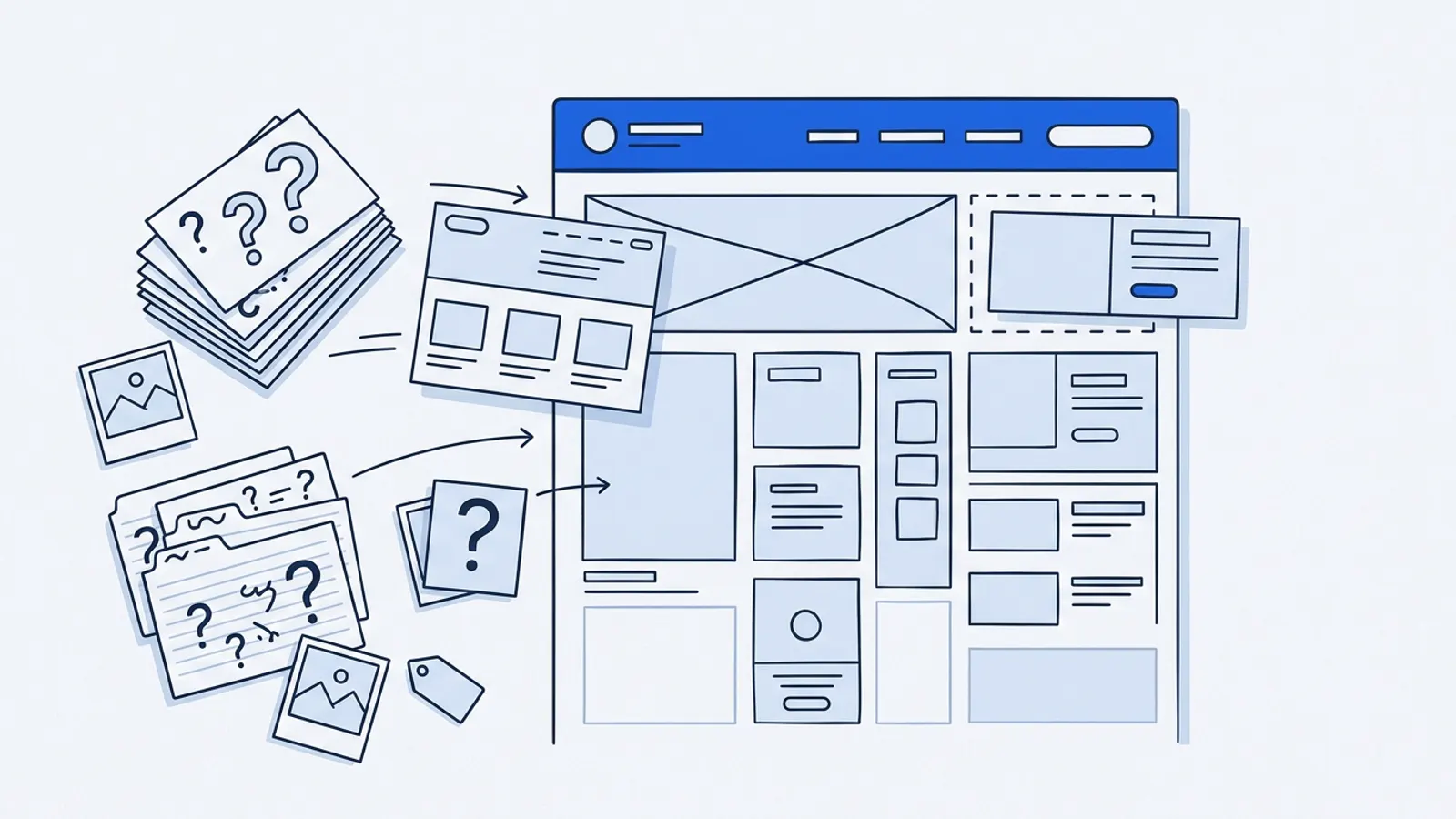
The short answer: pick one service people already ask about (or search for), and give it its own page. The page should answer what someone needs to know right before contacting you: who it's for, what's included, how pricing works, what to expect, and how to enquire. Build it only from your own facts and real photos. AI can draft the structure and wording quickly. It can't supply the facts, the photos, or the proof.
A single "Services" page with a bulleted list makes every visitor do the work. A dedicated page for the service someone came for does it for them, and gives search engines a clear page to show for that service.
Signs a service needs its own page
- Customers ask about it often, by name.
- People ask the same three or four questions about it before booking.
- It's a service you want more of, and it earns well.
- It appears in searches people use to find you (check Google Search Console if you have it).
- It's different enough from your other services that one page can't explain both well.
If only one of these is true, a short section on an existing page may be enough. If three or more are true, it deserves its own page.
Gather the demand evidence first
Spend 20 minutes collecting what people actually say about the service:
- The exact questions from emails, texts and calls.
- Phrases customers use for it. Often not your phrase: "boiler swap" rather than "water heater replacement".
- Reasons people gave for choosing you, or for not booking.
- Any review that mentions the service (you'll need permission to quote it on the page).
That list becomes your page outline. The questions are your sections, and the customers' words are your headings.
The anatomy of a service page
- Headline: name the service in the customer's words, and the place if you're local.
- Who it's for, and who it isn't for (one or two sentences).
- What's included: the steps or parts, in plain words.
- How pricing works: a price, a range, or how you quote. Never a made-up number.
- What to expect: how long it takes, what the customer needs to do, what happens after.
- Proof: real photos of this work; a review, only with the customer's permission and in their own words.
- Common questions: the three to five you collected, answered briefly.
- One clear way to enquire, near the top and again at the end.
An annotated example
Headline: Water heater replacement in Chicago, Evanston and Skokie Uses the phrase customers search and names the places served.
Who it's for: Homes with a tank or tankless water heater that's leaking, over 10 years old, or not keeping up. We don't service commercial systems. Saying who it isn't for saves both sides a wasted call.
What's included: Removing the old unit, installing the new one, connecting gas or electric, testing, and hauling the old unit away.
How pricing works: Free on-site quote. The price depends on the unit and the installation, and we'll give you a written quote before any work. No invented "from $X". The owner hasn't set one, so the page explains the process instead.
What to expect: Most replacements take half a day. You'll need to clear access to the unit.
Proof: Three photos of recent installs, taken by the team.
Common questions: Tank or tankless? Do you handle permits? Can you come this week?
Enquire: "Book a free quote" button at the top and bottom, plus the phone number.
The same outline works for very different businesses. A salon's balayage page might explain appointment length, how the price depends on hair length, and what to bring to a consultation. A pottery studio's beginner course page might explain what you'll make, what to wear, and what happens if you miss a session.
Draft it with AI, from your facts
Once you have the outline filled in roughly, AI can turn it into clear, readable copy in a minute. Give it rules so it doesn't make anything up.
Write a service page for our water heater replacement service using only the facts below. Follow this structure: headline, who it's for and not for, what's included, how pricing works, what to expect, common questions, and how to enquire. Use plain, friendly language, short paragraphs, and our customers' wording where I've given it. Don't invent prices, timeframes, guarantees, reviews or certifications. If something is missing, leave a [placeholder] and tell me. Facts: [paste your filled-in outline and the customer questions].
Check it before it goes live
- Every fact, price and timeframe is one you wrote, not one the AI added.
- There are no reviews or quotes without the customer's permission.
- The headline uses the words customers use.
- The way to enquire works, and is visible on a phone without scrolling far.
- Photos are your own and show this service.
- It doesn't promise outcomes you can't control ("guaranteed same day", "#1 in Chicago").
- Any [placeholders] are filled in or removed.
Connect it to the rest of your site
A page nobody can find doesn't help. After publishing:
- Link to it from your homepage and from your main Services page.
- Link to it from any related page (for example, from "Repairs" to "Replacement").
- Use it as the link when you answer questions about that service by email or text.
- If you have a Google Business Profile, make sure the service is listed there too.
How to tell if it helped
Note the date you published. Over the next four to eight weeks, compare:
- Enquiries that mention that service, against the same period before.
- How often the questions you answered still come up.
- If you use Search Console: impressions and clicks for searches that mention the service.
Expect it to take time. Search engines need to find and understand a new page, and small numbers move slowly.
Limits worth knowing
- A page can't create demand. It helps people who already want the service find and choose you.
- Don't mass-produce near-identical pages. Ten copies of a page with only the town name changed don't help people. Google's guidance on helpful, people-first content warns against content made mainly for search engines. One genuinely useful page beats ten thin ones.
- Proof has to be real. Invented reviews, fake ratings or stock photos passed off as your work damage trust and can break advertising rules.
Keep going
- ArticleHow to turn customer questions into useful website pagesThe questions you answer every week are a ready-made list of what your website is missing. Here's how to log them, decide where each answer belongs, and write it well.
- Use caseDecide which website or marketing improvement to work on nextYou don't need another list of "20 ways to improve your website". You need to know which one thing to do next. The answer is usually already in your inbox.
- Article15 website updates you can ask AI to help withFrom holiday hours to a new team member to retiring a service, here are fifteen everyday website updates with a ready-to-use request, what AI needs from you, and what to check.