

AI platform vs. AI tool: what does your small business need?
A tool does one task when you ask. A platform takes on a whole job where it lives. Three everyday workflows show the difference, and why most small businesses end up using both.
By The Dance teamPublished 4 min read
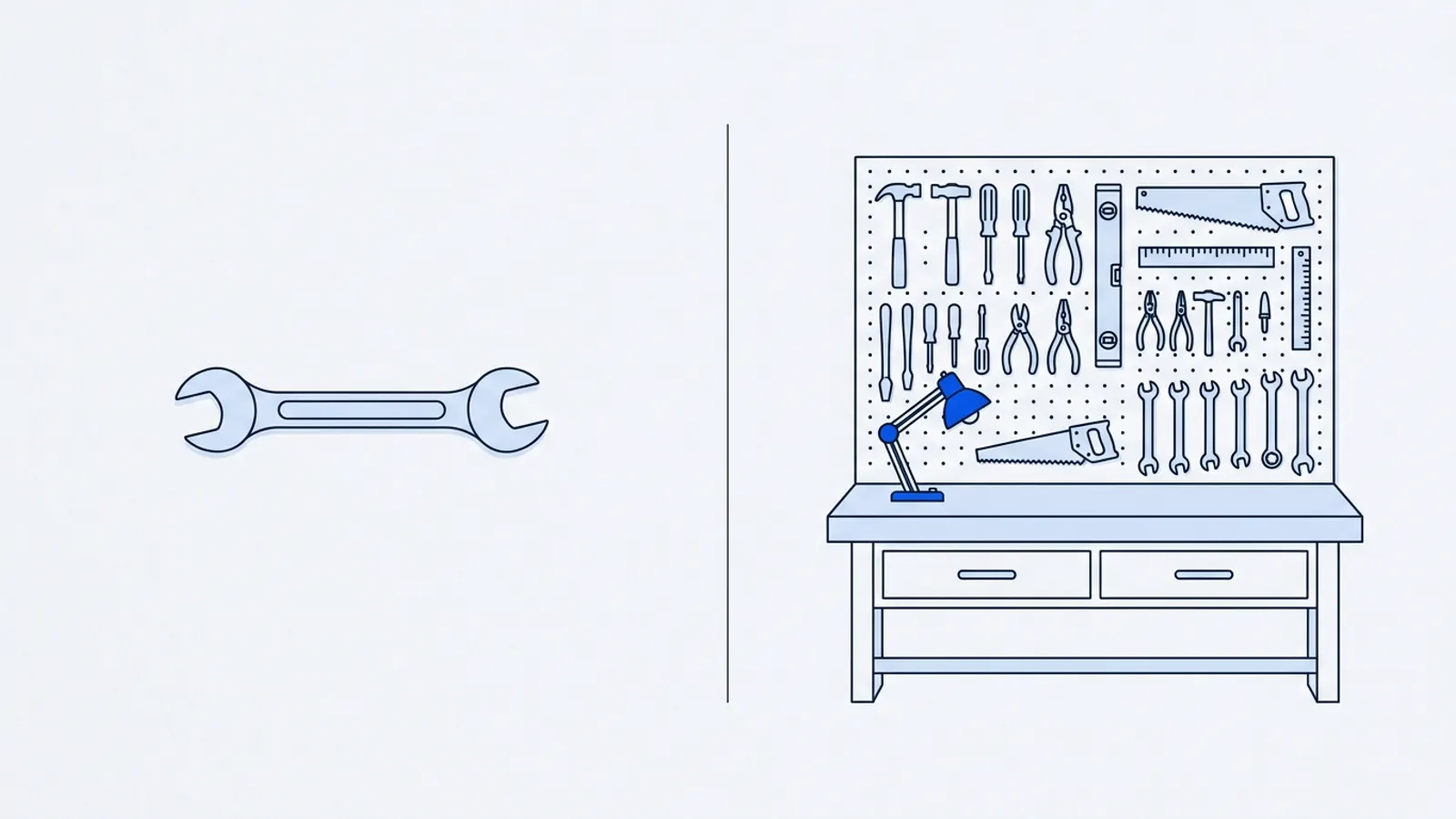
The short answer: an AI tool does one task when you ask and hands you the result: a paragraph, an image, a summary. You decide what to do with it. An AI platform takes on a whole job inside the system where that job lives, like your website. It works from what it already knows about your business, and gives you controls over what goes out. Most small businesses need both: a general assistant for thinking and drafting, and a platform for the one or two jobs they repeat every week.
Definitions of "AI platform" you'll find online are mostly written for developers and large companies. They mean software for building and running AI models. That's not what a small-business owner means. For you, the useful distinction is simpler: who finishes the job?
The difference at a glance
| AI tool | AI platform | |
|---|---|---|
| What you get | One output per request | A job done, start to finish |
| Where the result goes | You copy it somewhere | It's applied where it belongs |
| What it knows about you | What you paste in, each time | Your business details, kept between tasks |
| Who checks it | You, after the fact | You, through a built-in preview and approval |
| Typical example | A general chat assistant writing a draft | A website platform that makes and publishes the change you asked for |
| Best for | Varied, one-off tasks | Repeated jobs that touch customers |
Neither is better in general. They're good at different things.
Three everyday workflows, side by side
1. Changing your holiday hours
With a tool: you ask an assistant to write a short holiday hours notice. You copy it, log into your website builder, find the banner, the footer and the contact page, and paste it into each. You check each page and hope you didn't miss one.
With a platform: you say "We're closed December 25–26 and open 10am–2pm on the 24th. Update it everywhere." It finds every place hours appear, prepares the change, and shows you a preview. You check it and publish.
The difference: the tool did the writing, which was the easy part. The platform did the finding, changing and checking, which is where mistakes happen.
2. Adding a page for a service
With a tool: you describe the service and get a draft page. You format it, add photos, create the page in your website builder, link to it from the homepage, and publish.
With a platform: you give it the same description and your facts. It drafts the page in your site's existing design and links it in, and you review the preview before it goes live.
The difference: similar writing, but very different amounts of your time afterwards.
3. Deciding what to improve next
With a tool: you paste in a list of customer questions and ask which ones your website doesn't answer. It gives you a useful list, but only from what you pasted in today.
With a platform: if it's connected to your website and your search data, it can look at both regularly and keep a short list of suggestions. (Dance's optional Website + Marketing plan, for example, checks keyword and AI search visibility daily and brings Google Analytics and Search Console into one place.) You still decide what's worth doing.
The difference: a tool answers the question you ask. A platform with the right connections can raise the question before you think to ask it.
When a tool is enough
- The task is different every time: a tricky email, brainstorming names, summarizing a contract to discuss with your lawyer.
- The result doesn't go straight to customers.
- You're happy to do the copying and checking yourself.
- You do the task rarely.
General assistants are excellent at all of these, and often free or cheap.
When a platform is worth it
- You do the same job every week or month, like website updates or reporting.
- The job touches customers directly, so mistakes are costly.
- The work has to end up in a specific place (your website), and getting it there is what takes the time.
- You want approvals and an undo button built in, rather than relying on your own carefulness.
What neither one replaces
- Your facts. Neither knows your real prices, hours or policies unless you tell it.
- Your judgment. Deciding which customers you want, and what you're willing to promise, stays with you.
- Systems for other jobs. A website platform won't do your accounting, payroll, inventory or bookings, and you shouldn't expect one platform to do everything.
A quick self-check
- I do this job at least monthly.
- The result is seen by customers.
- Most of my time goes on getting the result into place, not on creating it.
- A mistake would cost me money or trust.
- I want to approve changes before they go live.
- I'd like it to remember my business details between tasks.
If you ticked four or more for your website, a website platform is worth evaluating. Our checklist for choosing an AI platform walks through what to ask. If you ticked two or fewer, a general assistant and a good routine may be all you need for now.
About this article
Written by the team at Dance Technologies, Inc, which publishes this site and makes Dance. We mention Dance where it is a practical next step, and the advice works without it. Businesses in examples are hypothetical unless a source is named. How we write.
Keep going
- ArticleHow to choose an AI platform for your small businessSkip the "top 25 AI tools" lists. Start with the job you need done, then check six things every platform should answer before you hand it your website or your customers.
- ArticleYour first 30 days using AI for website and marketing workForget the 50-tool stack. Here's a realistic four-week plan of one to two hours a week, with something finished at the end of every week and a clear decision on day 30.
- Planning toolFind your first AI projectAnswer four questions and get a specific first project with a checklist.